Best Prediction Market APIs for Automated Trading (2026)
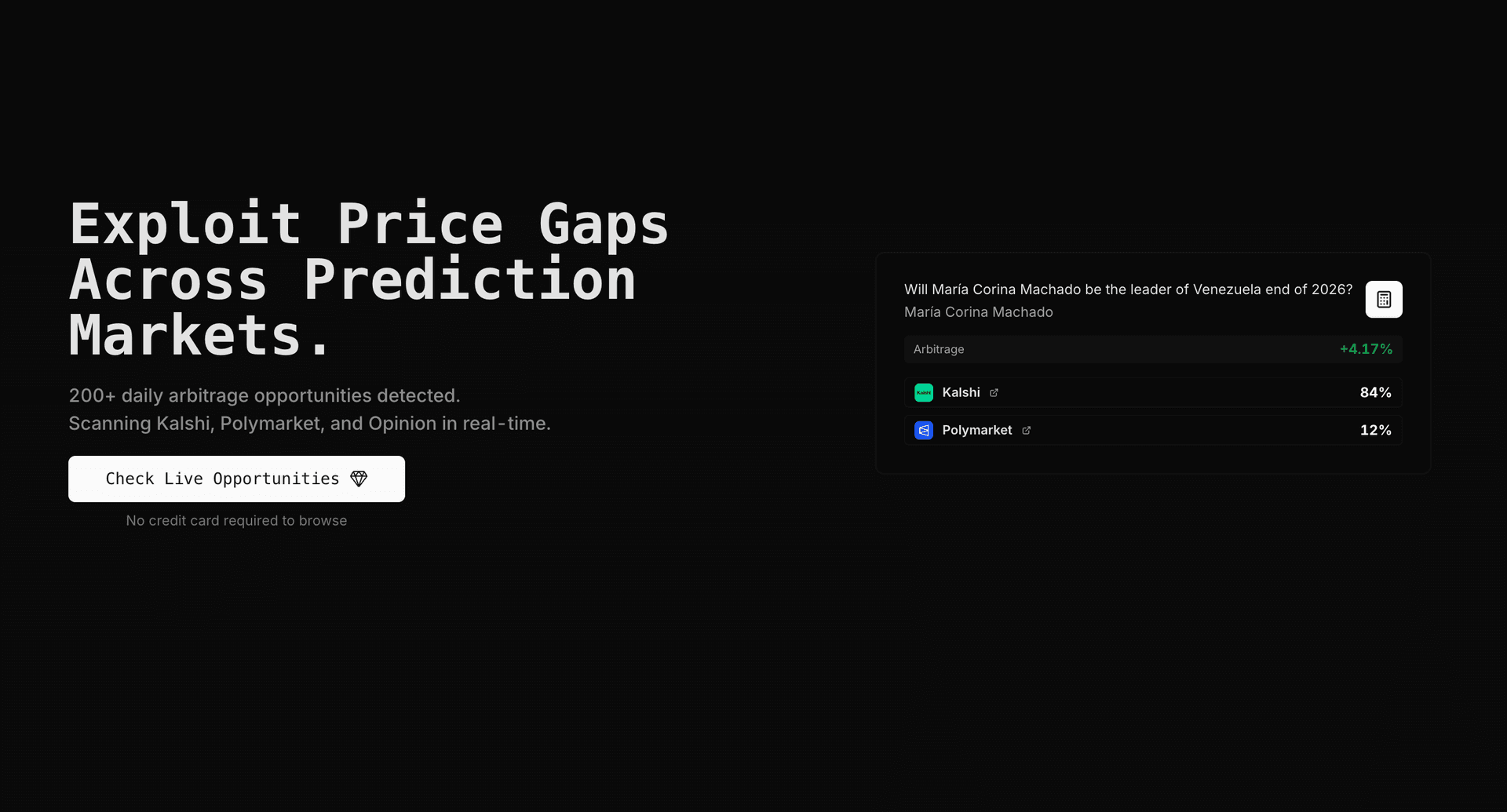
Build a Polymarket or Kalshi trading bot without wiring up three platforms yourself. The ArbBets API returns matched market pairs, full orderbooks, and pre-computed cross-platform arbitrage on Premium ($299/month).
TL;DR
The best prediction market API stack depends on what you are building. Raw platform APIs (Kalshi REST/WebSocket, Polymarket CLOB) are required for placing orders. ArbBets API is the best data layer for cross-platform arbitrage — it normalizes Polymarket, Kalshi, and Opinion, matches equivalent events, and returns fee-aware spreads in one call. Arbitrage Agent suits traders who want an execution API, not just market data. Most production bots use platform APIs for execution plus ArbBets or custom matching logic for discovery.
Last updated: July 4, 2026
What We Evaluated
We compared APIs on what bot builders actually need:
- Order placement — Can you create, cancel, and monitor positions programmatically?
- Market data — REST snapshots, WebSocket streams, full orderbook depth?
- Cross-platform matching — Does it link the same event across Polymarket, Kalshi, and Opinion?
- Arbitrage math — Pre-computed spreads, fee models, fill simulation?
- Documentation & SDKs — Official client libraries, examples, sandbox/paper trading?
Best Prediction Market APIs Compared (2026)
| API | Type | Platforms | Order execution | Cross-platform matching | Pre-computed arbs | SDK / docs | Cost |
|---|---|---|---|---|---|---|---|
| ArbBets API | Aggregated data | Polymarket, Kalshi, Opinion | No (data only) | Yes | Yes | REST + docs | $299/mo Premium |
| Kalshi API | Native exchange | Kalshi | Yes | No | No | Python SDK, WebSocket | Free with account |
| Polymarket CLOB API | Native exchange | Polymarket | Yes | No | No | py-clob-client | Free with wallet |
| Opinion API | Native exchange | Opinion | Yes | No | No | Limited public docs | Free with account |
| Arbitrage Agent API | Execution platform | Polymarket, Kalshi | Yes (automated) | Yes | Yes | Dashboard + API | Paid subscription |
| DIY (multi-API) | Self-built | Whatever you integrate | Yes | You build it | You build it | Platform SDKs | Free (engineering time) |
ArbBets API surfaces 100+ cross-platform arbitrage opportunities daily. Premium includes 5,000 API credits per month. Primary Polymarket pair endpoints cost 1 credit per call — enough for polling every few minutes around the clock.
— Source: ArbBets real-time market data
API Breakdown
1. ArbBets API — Best for Cross-Platform Arbitrage Data
The ArbBets API is a read-only data API for prediction market arbitrage. It does not place trades. It returns matched pairs, full orderbooks, optimal YES/NO legs, ROI after fees, and deep links to each platform — so your agent can focus on execution logic instead of market matching.
Key endpoints:
| Endpoint | What it returns | Credits |
|---|---|---|
/api/internal/kalshi-polymarket-full | Kalshi ↔ Polymarket arbs + orderbooks | 1 |
/api/internal/opinion-polymarket-full | Opinion ↔ Polymarket arbs + orderbooks | 1 |
/api/internal/arbs-full_2 | Combined scan with investment sizing | 5 |
Authentication:
curl -H "Authorization: Bearer YOUR_API_KEY" \
"https://getarbitragebets.com/api/internal/kalshi-polymarket-full?investment=100&min_profit=1.0"Best for: Developers building prediction market bots, Discord/Telegram alert systems, or autonomous agents that need normalized cross-platform arb data without maintaining three integrations.
Pros:
- Market matching across Polymarket, Kalshi, and Opinion handled server-side
- Fee-adjusted ROI and orderbook-aware fill data included
- 1-credit endpoints enable high-frequency polling
- Links to full Python examples
Cons:
- Does not execute trades — you still need Kalshi and Polymarket credentials
- Premium plan required ($299/month)
- Not a substitute for native exchange APIs when placing orders
Pricing: Premium $299/month — scanner + API, 5,000 credits/month.
2. Kalshi API — Best Regulated US Execution API
Kalshi provides a full REST and WebSocket API for US-regulated prediction market trading. Official Python SDK (kalshi-python) supports market data, order placement, position monitoring, and a paper-trading environment for testing.
Capabilities:
- Read markets, orderbooks, and positions
- Place and cancel limit orders via REST
- Stream real-time prices over WebSocket
- Paper trading for strategy validation
Best for: US-based bots that execute on a CFTC-regulated exchange with USD settlement.
Pros:
- Free API access with a funded account
- Strong documentation and official SDK
- Paper trading reduces live-capital risk during development
Cons:
- Kalshi-only — no Polymarket or Opinion data
- Taker fees (up to ~7%) must be modeled in your arb math
- Position limits cap exposure per market
Pricing: Free API; trading fees apply per contract.
3. Polymarket CLOB API — Best for Crypto-Native Execution
Polymarket uses a Central Limit Order Book (CLOB) on Polygon. The API supports reading orderbooks, placing signed orders, and managing positions via the official py-clob-client Python library.
Capabilities:
- Full orderbook depth (YES/NO asks and bids)
- Programmatic order creation and cancellation
- On-chain settlement via USDC
Best for: Bots executing on the highest-liquidity prediction market, especially politics and crypto event contracts.
Pros:
- Zero trading fees on most markets
- Deepest liquidity in the prediction market ecosystem
- Active algorithmic trading community
Cons:
- Crypto wallet and USDC management required
- US access restrictions — check current terms and eligibility
- No built-in cross-platform matching with Kalshi
Pricing: Free API; gas/network costs minimal on Polygon.
4. Opinion API — Best for Third-Platform Coverage
Opinion is a growing prediction market platform. API access exists but documentation is less mature than Kalshi or Polymarket. Useful when the best arb leg is Opinion vs Polymarket or Opinion vs Kalshi.
Best for: Traders who want exposure to a third venue where spreads vs Polymarket are often wider.
Pros:
- Expands the opportunity set beyond two-platform pairs
- USD settlement options for some users
Cons:
- Thinner documentation and smaller ecosystem than Kalshi/Polymarket
- You will likely pair it with ArbBets for matching rather than building matchers yourself
Pricing: Free with account (verify current API access on site).
5. Arbitrage Agent API — Best for Managed Execution
Arbitrage Agent exposes an execution-oriented API on top of its matching and two-leg firing engine. It handles WebSocket ingestion, semantic market pairing, Kelly sizing, and parallel order placement with circuit-breaker unwind logic.
Best for: Traders who want execution as a service rather than building a full bot from raw exchange APIs.
Pros:
- Automated two-leg execution with failure handling
- Live-editable risk parameters via API or dashboard
- Built specifically for Polymarket ↔ Kalshi pairs
Cons:
- Less flexible than owning your full stack
- Requires trusting a third party with API keys and capital deployment
- Narrower than ArbBets for pure data exploration or custom strategies
Pricing: Paid tiers (verify on site).
6. DIY Multi-API Stack — Best for Full Control
Wire up Kalshi + Polymarket (+ Opinion) directly. Build your own normalizer, embedding-based matcher, fee engine, and execution layer.
Typical architecture:
Kalshi WebSocket ──┐
Polymarket CLOB ───┼──▶ Your matcher ──▶ Arb detector ──▶ Execution
Opinion REST ──────┘
Best for: Quant teams with dedicated engineering time who need proprietary logic or latency advantages.
Pros:
- No monthly data API fee
- Complete control over matching, sizing, and execution
- Potential latency edge if optimized
Cons:
- Market matching alone is weeks to months of work
- Ongoing maintenance as APIs and market titles change
- Reinventing what ArbBets already normalizes
Pricing: Free software; high engineering cost (40+ hours/month maintenance is common).
How to Choose: Decision Matrix
| I want to build… | Start with |
|---|---|
| Telegram/Discord arb alerts | ArbBets API → notification examples |
| A Polymarket ↔ Kalshi trading bot | ArbBets API (discovery) + Kalshi API + Polymarket CLOB (execution) |
| A market-making bot on one platform | Native API only (Kalshi or Polymarket) |
| Hands-off automated execution | Arbitrage Agent |
| A research/backtest pipeline | Raw historical data + open-source ArbIt |
| The cheapest possible MVP | Kalshi paper trading + Polymarket test wallet + manual matching (not recommended at scale) |
Recommended Bot Architecture
Most production prediction market arbitrage agents use a two-layer stack:
Layer 1 — Discovery (where is the edge?)
Poll ArbBets or stream native orderbooks and run your own matcher. ArbBets collapses this to one HTTP call:
import requests

API_KEY = "ak_your_api_key_here"
headers = {"Authorization": f"Bearer {API_KEY}"}

response = requests.get(
    "https://getarbitragebets.com/api/internal/kalshi-polymarket-full",
    headers=headers,
    params={"investment": 500, "min_profit": 1.5},
)
opportunities = response.json()

for opp in opportunities:
print(opp.get("market_name"), opp.get("roi_percent"), "% ROI")For a full walkthrough, see how to programmatically identify Polymarket arbitrage.
Layer 2 — Execution (capture the edge)
When an opportunity clears your threshold:
- Verify prices still match on both platforms (stale data kills arbs)
- Place both legs via Kalshi REST and Polymarket CLOB
- If one leg fails, unwind or hedge the other immediately
- Log net PnL after fees
ArbBets does not place orders — you connect Layer 2 yourself or use an execution platform like Arbitrage Agent.
Layer 3 — Risk controls
- Maximum capital per opportunity
- Minimum net ROI after fees (Kalshi taker fees can erase thin spreads)
- Kill switch for API errors or partial fills
- Separate capital pools: USDC on Polymarket, USD on Kalshi
API vs Scanner: When Do You Need Which?
| Need | Scanner only (Pro $149) | API (Premium $299) |
|---|---|---|
| Manual trading from dashboard | Yes | Overkill |
| Slack/Telegram alerts | No | Yes |
| Autonomous trading bot | No | Yes |
| Custom dashboard or internal tool | No | Yes |
| Backtesting from live orderbooks | No | Yes |
If you are only trading by hand, the ArbBets scanner is enough. The API is for automation.
Common Integration Pitfalls
Stale orderbook data
An arb that existed 30 seconds ago may be gone. Poll frequently (ArbBets: every 1–3 minutes minimum) or use WebSockets on the execution side for confirmation.
Market matching errors
Never trade on string equality between platform titles. Use a verified matcher (ArbBets, Arbitrage Agent) or embedding-based pairing with human review on new markets.
Fee blindness
A 2% gross spread on Kalshi can become negative after taker fees. Always use fee-adjusted calculations. See how to calculate arbitrage.
Capital stranded across rails
Polymarket settles in USDC; Kalshi in USD. Rebalancing between platforms has friction — keep operational balances on both sides.
Frequently Asked Questions
What is the best API for a Polymarket trading bot?
For order placement, use the Polymarket CLOB API with the official py-clob-client SDK. For finding cross-platform arbitrage opportunities involving Polymarket, the ArbBets API is the fastest path — it returns matched Kalshi and Opinion pairs with pre-computed ROI in one request. Most bots use both: ArbBets for discovery, Polymarket CLOB for execution.
Does Kalshi have an API for automated trading?
Yes. Kalshi offers REST and WebSocket APIs with an official Python SDK. You can read market data, place orders, and monitor positions programmatically. They also provide paper trading for testing strategies without live capital.
How much does the ArbBets API cost?
API access is included on the Premium plan at $299/month, which includes 5,000 API credits. Primary endpoints like kalshi-polymarket-full cost 1 credit per call. At 1 credit per request, you can poll roughly every 8–9 minutes all month — or poll more aggressively and reserve credits for high-priority windows.
Can one API trade on both Polymarket and Kalshi?
No single native API controls both platforms. Polymarket and Kalshi each require separate authentication and order placement. ArbBets API provides unified arbitrage data across both, but you execute trades through each platform's own API — or through an execution service like Arbitrage Agent.
What programming language should I use for prediction market bots?
Python is the standard choice: Kalshi and Polymarket both have official Python SDKs, and ArbBets API examples are in Python. For latency-critical execution, some teams use Go or Rust for the order layer and Python for strategy logic.
Is it better to build my own API integration or use ArbBets?
Build your own if you need proprietary matching logic or sub-second latency and have engineering capacity. Use ArbBets if you want to ship a working bot in days instead of months. Maintaining matchers across three platforms typically costs 40+ developer hours per month as APIs and market titles change.
Are there free prediction market APIs?
Kalshi and Polymarket APIs are free to use with an account — you pay trading fees, not API access. ArbBets API requires Premium ($299/month). Open-source projects like EdgeHunt and ArbIt are free but require you to host, maintain, and connect live feeds yourself.
Related Reading
- Best prediction market arbitrage tools — scanner comparison
- How to programmatically identify Polymarket arbitrage — full API tutorial
- Prediction market bots — bot strategies and FAQ
- API documentation — authentication, endpoints, examples
- Polymarket vs Kalshi vs Opinion — platform comparison
Start Building
If you already trade prediction markets manually and want to automate, the fastest path is ArbBets API for discovery plus native Kalshi and Polymarket APIs for execution. That avoids months of matching logic while keeping full control over order placement.
Get your API key on ArbBets Premium — 5,000 credits/month, matched pairs across Polymarket, Kalshi, and Opinion, with Python examples ready to deploy.